The average recruiter spends only 6.25 seconds looking at a resume before deciding if it's a 'Yes' or a 'No'. In 2026, that challenge is even harder because your resume must first pass through an AI guard called the Applicant Tracking System (ATS).
If you've been sending out dozens of applications and getting nothing but "Thank you for your interest" emails, the problem isn't your talent—it's your document. Let's dive deep into the real-world mistakes that are killing your chances and how to fix them instantly.
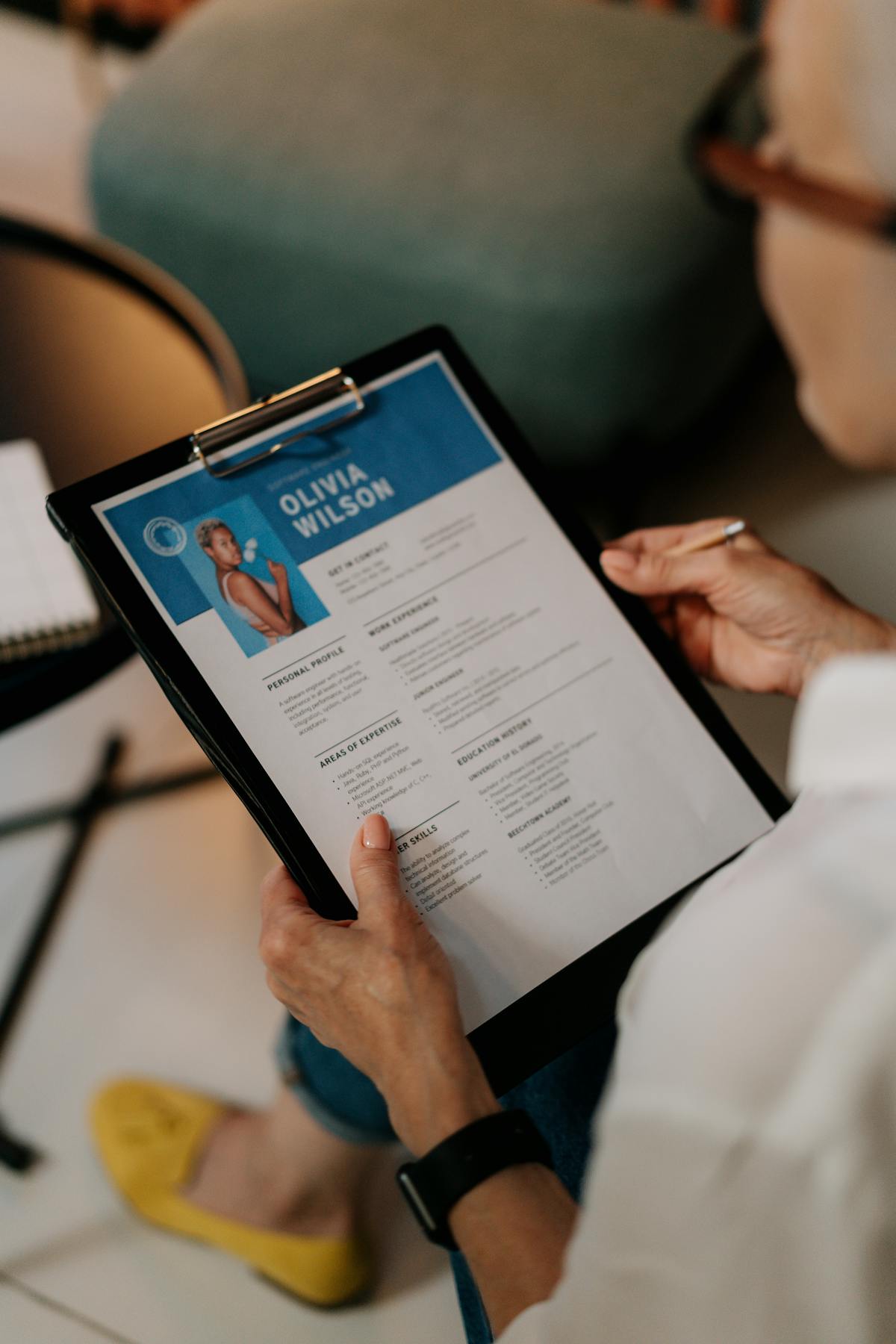
1. Over-Designing for Humans, Ignoring the AI
Mistake 1Many candidates use tools like Photoshop or Canva to create resumes with multiple columns, heavy graphics, and skill bars. While these look beautiful to the human eye, ATS software often sees them as gibberish. If the AI can't read your contact info or experience because it's trapped inside a text box, you are disqualified instantly.
2. The "Word Doc" Trap
Mistake 2Sending a .docx file is a gamble. If the recruiter opens your Word file on a mobile device or a different version of Office, your tables might shift, fonts might disappear, and your 1-page resume might turn into a messy 3-page disaster.
Need to switch formats fast? Use our Word to PDF converter to lock your layout in place forever.
3. Focusing on Duties, Not Results (The STAR Method)
Mistake 3Listing "Responsible for managing social media" tells the recruiter nothing about how good you are. Every job seeker has "duties." Winners have "achievements."
Example: Instead of "Managed a team," use "Led a team of 12 developers (X), increasing project delivery speed by 30% (Y) through the implementation of Agile workflows (Z)."
4. Including Unnecessary Personal Information
Mistake 4In the digital age, privacy and anti-bias laws are strict. Including your full home address, religion, marital status, or a photograph (unless you're an actor/model) can actually lead to your resume being auto-rejected to protect the company from bias claims.

5. Generic Summaries and Empty Buzzwords
Mistake 5Starting with "Hardworking professional seeking growth" is the fastest way to bore a recruiter. Also, using words like "Guru," "Ninja," or "Synergy" makes you look out of touch with modern professional standards.
6. The "Wall of Text" Layout
Mistake 6Recruiters "scan" before they "read." If your resume has long paragraphs of 5-6 lines, their eyes will skip right over it. You have 6 seconds—don't waste them.
Fix: Use bullet points. Keep each bullet point under 2 lines. Use white space to let the document "breathe."
7. Missing Keyword Alignment
Mistake 7An ATS scans for specific keywords found in the Job Description (JD). If the JD asks for "Strategic Planning" and you wrote "Business Organizing," the AI might give you a low match score.
8. Typos: The Ultimate "Silent Killer"
Mistake 8A single spelling mistake in "Attention to Detail" is an automatic rejection. It signals to the recruiter that you don't take your own career seriously enough to double-check your most important document.
If you found a typo in a PDF you've already saved, don't panic. Use our Online PDF Editor to fix the text without recreating the whole file.
9. Listing High School or Irrelevant Early Jobs
Mistake 9If you have more than 2 years of work experience, your high school details don't matter. Similarly, that 2-month summer job at a grocery store from 10 years ago is just taking up space. Keep it relevant.
10. Unprofessional File Names
Mistake 10Saving your file as "Resume_Final_v2_updated.pdf" looks amateur. The recruiter's download folder is full of files named "Resume.pdf"—yours will get lost.
Frequently Asked Questions (FAQ)
Build a Rejection-Proof Resume
Join thousands of job seekers who used PDF AI to land interviews at top tech companies. 100% Free. 100% Secure.